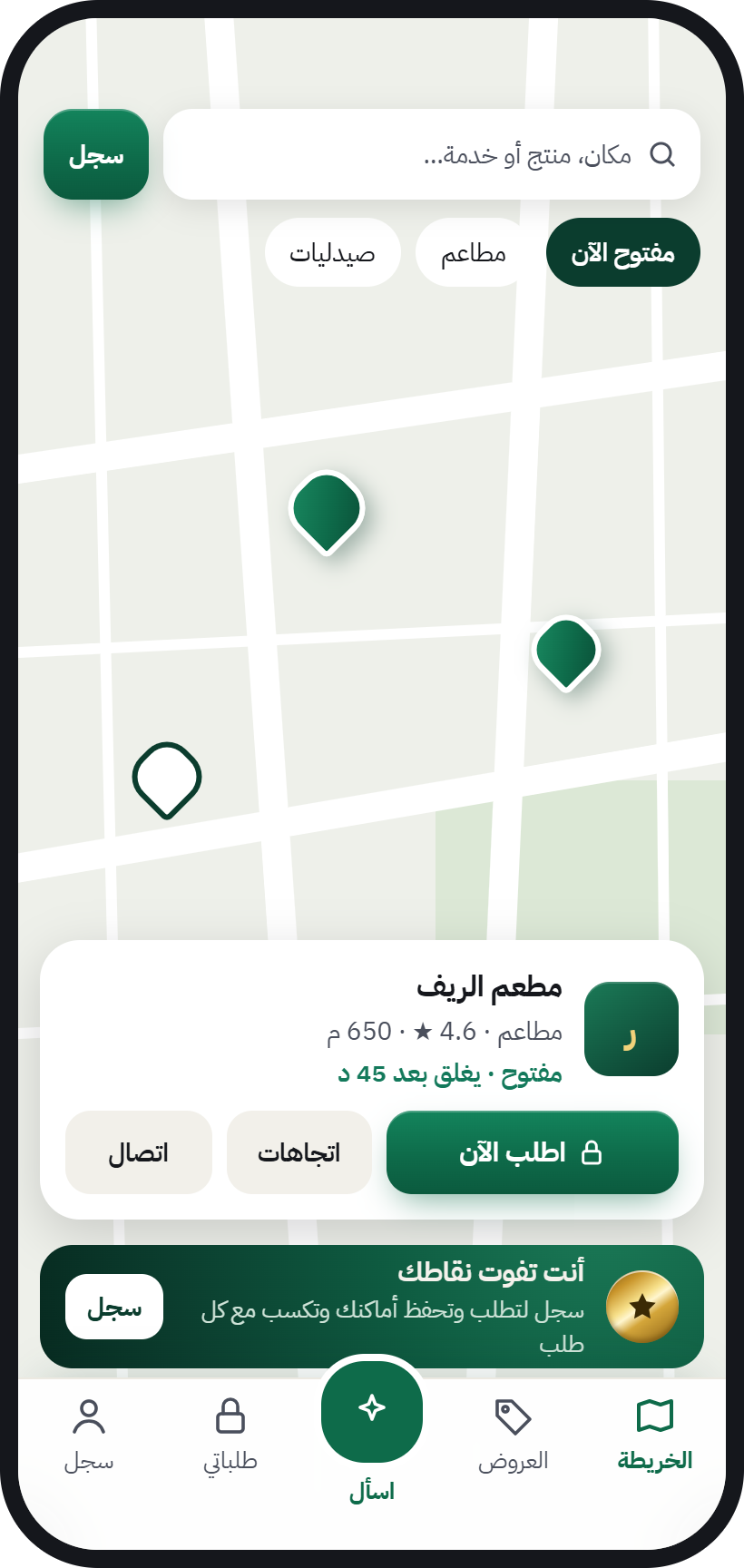
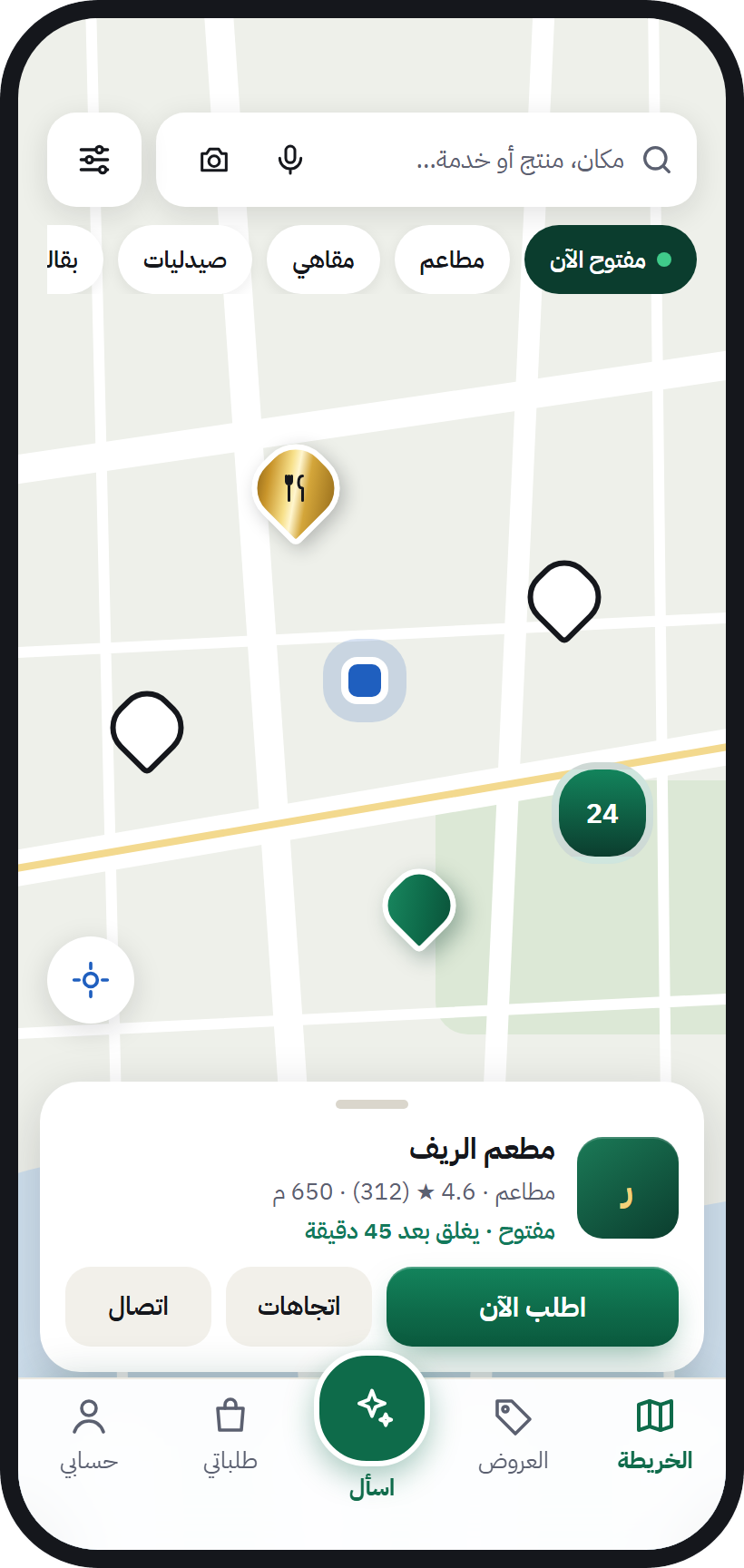
- 1Open the map on the web or get the app, then choose your language.
- 2Type the product, place or service in the search bar, or tap Ask and just talk.
- 3Tap “Open now” to see only what’s open, or “Public places” for parks and walkways.
- 4Open the place’s page: get directions, call, or order and book in the same app.
Open the map ↗ (opens in a new tab)All features →
- 1Choose your sector on the business page and see what fits your work.
- 2Fill in the “List your business” form, and our team will get in touch.
- 3We verify that the business is yours, and it shows under your name and details.
- 4Switch to your business account in the same app and start receiving your customers’ orders.
NewIf your shop already shows on the map as “waiting for its owner”, claim it yourself, or a member from your neighbourhood can help you with a QR code on your own phone. From then on you’re our partner: invite the businesses you know or add them, and your points renew your subscription for free and get you services.How to claim your shop →
List your businessAurMap for business →
- 1Sign up in the app with your mobile number.
- 2Complete your tasks: invite your friends, review places you bought from, and add new places.
- 3Collect your points and move up from “Member” to “Certified Ambassador”.
- 4Share your member card as an image, and invite the people around you to join.
NewAdd the businesses in your neighbourhood from the map, help their owners sign up with a QR code on their own phones, and earn points when they join. You never collect money from anyone.How to earn from your neighbourhood →
See the levelsMember card →
- 1Read the captains page and see what captain mode is about.
- 2Put your name on the waitlist.
- 3We’ll let you know as soon as sign-ups open in your city.
Join the waitlist
- 1Open the open data page and see what’s in it.
- 2Download the public places file and use it under its licence.
- 3Credit the source as shown on the sources and attribution page.
Open dataDeveloper docs →Sources and attribution →